The Best 5 Alternative Apps for Tableau
Tableau, for years, has been one of the most popular choices for businesses and data enthusiasts alike. But what if Tableau doesn’t cut it for you? Maybe it's the price or functionality, or perhaps you simply want to explore something different. Well, you’re in luck! Today, we’re diving into the best 5 alternative apps for Tableau that offer powerful features, user-friendly interfaces, and unique strengths.
1. Power BI

Features and Strengths
Microsoft Power BI is a top-notch data analytics tool that's giving Tableau a run for its money. Power BI allows users to connect to a plethora of data sources, transform raw data into beautiful visualizations, and share insights within an organization. Its integration with other Microsoft products like Azure and Office 365 makes it an appealing choice for businesses already entrenched in the Microsoft ecosystem.
- Interactive Visualizations: Power BI offers a wide range of visualizations from bar charts to complex maps.
- Customizable Dashboards: You can tailor dashboards to suit your specific needs.
- Data Connectivity: Connect to hundreds of data sources, including Excel, SQL databases, and cloud services.
Shortcomings
Despite its many strengths, Power BI isn't without flaws. Some users find the learning curve steep, especially when mastering DAX (Data Analysis Expressions) for more complex calculations. Also, the free version of Power BI has limited storage and data refresh capabilities, which might necessitate upgrading to the Pro or Premium versions.
2. Qlik Sense
Features and Strengths
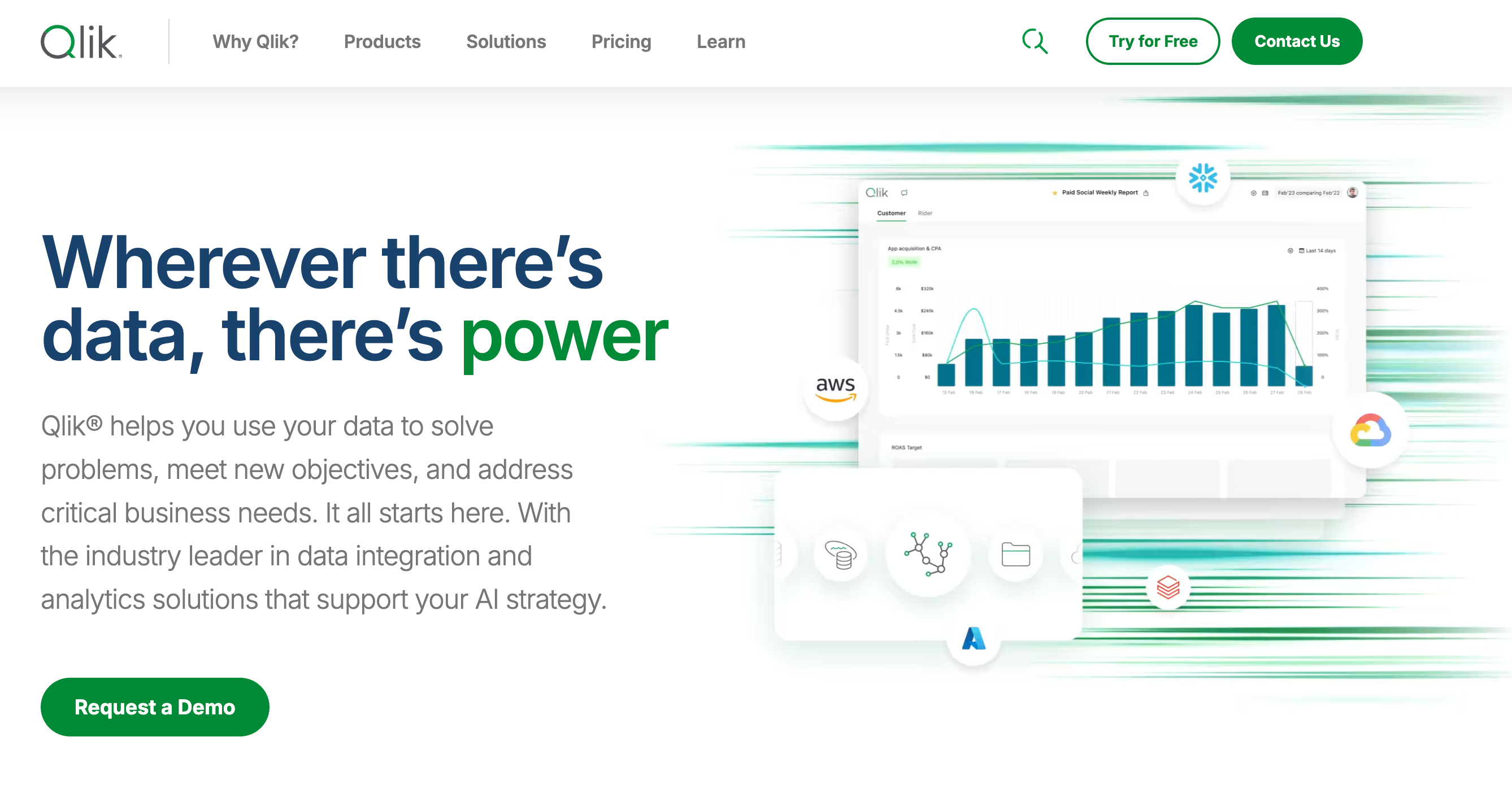
Qlik Sense is another powerful Tableau alternative known for its associative data model and advanced analytics capabilities. It allows users to explore data intuitively and discover hidden insights without predefined queries.
- Associative Data Engine: Explore data freely and rediscover new relationships within your datasets.
- Self-service Creation: Users can create visualizations, dashboards, and apps on their own.
- Advanced Analytics Integration: Qlik Sense can integrate with R and Python for advanced analytics.
Shortcomings
Some users might find Qlik Sense's interface a bit overwhelming initially. It also lacks some of the instant refresh and automatic synchronization features present in other data analytics tools. Moreover, advanced features might require additional licensing costs.
3. Looker
Features and Strengths
Looker, a Google Cloud Platform product, is a data analytics and business intelligence tool that emphasizes data exploration. What sets Looker apart is its unique LookML language, which enables powerful data modeling.
- Looker Blocks: Pre-built pieces of code that help users answer common analytics questions.
- Ad-hoc Data Exploration: Users can easily modify data queries without altering the underlying data.
- Collaboration Tools: Share insights via email, Slack, and embedded reports.
Shortcomings
Looker’s sophisticated capabilities require some expertise in SQL, which might be a bump in the road for non-technical users. Additionally, Looker's pricing model can be quite steep, making it less accessible for smaller enterprises or startups.
4. Sisense
Features and Strengths
Sisense is positioned as a robust end-to-end data analytics platform catering to business users with varying degrees of technical expertise. It's known for its ability to handle large datasets and complex data transformations on the fly.
- In-Chip Technology: Processes data faster by utilizing advanced in-memory technology.
- Scalability: Can handle massive datasets without compromising performance.
- Embedded Analytics: Easily integrates with other applications to embed analytics wherever needed.
Shortcomings
Sisense lacks certain advanced visualization options that a tool like Tableau offers. Additionally, while powerful, its comprehensive nature can be more complicated for users who just need straightforward data visualizations.
5. Domo
Features and Strengths
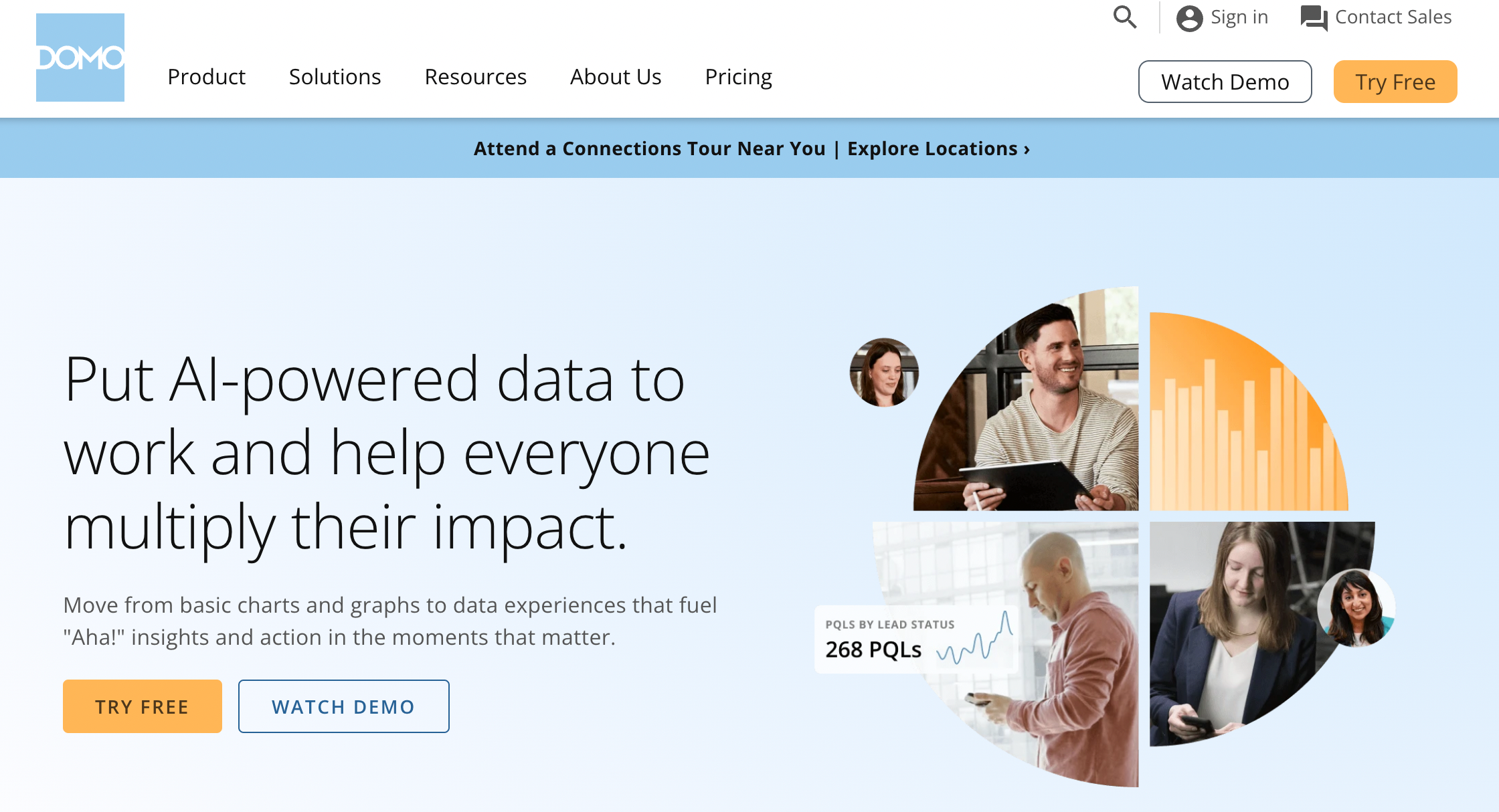
Domo brings a unique approach to business intelligence by offering a platform that goes beyond data analytics. It provides a combination of data integration, business intelligence, and collaborative features.
- Real-time Data: Access and visualize real-time data from integrated data sources.
- Data Alerts: Customizable alerts to keep you informed about key metrics.
- Collaboration and Sharing: Robust collaboration tools to share insights across teams.
Shortcomings
Domo’s extensive feature set and heavy emphasis on data integration can make it feel overwhelming for users looking for simple data visualization tools. Additionally, Domo's pricing is on the higher end, which may deter some potential users.
Conclusion
In the sea of data analytics tools, Tableau alternatives are not just viable options but often bring something unique to the table. Whether it's Microsoft Power BI's Microsoft integration, Qlik Sense’s associative engine, Looker’s data modeling power, Sisense’s in-chip technology, or Domo’s comprehensive business solution—each has its own set of strengths and shortcomings.
Ultimately, the right choice depends on your specific needs, existing infrastructure, and budget. So, take a closer look at these alternatives and see which one can unlock the full potential of your data analytics efforts.
Remember, the right tool can transform your data from mere numbers into insightful narratives that drive strategic decisions and business success. So, choose wisely and happy analyzing!