
THE AI VIDEO STUDIO
Imagine the scene.Set it in motion.
Turn a passing thought into a moving story. Describe the scene, direct the camera, and bring your next video to life.
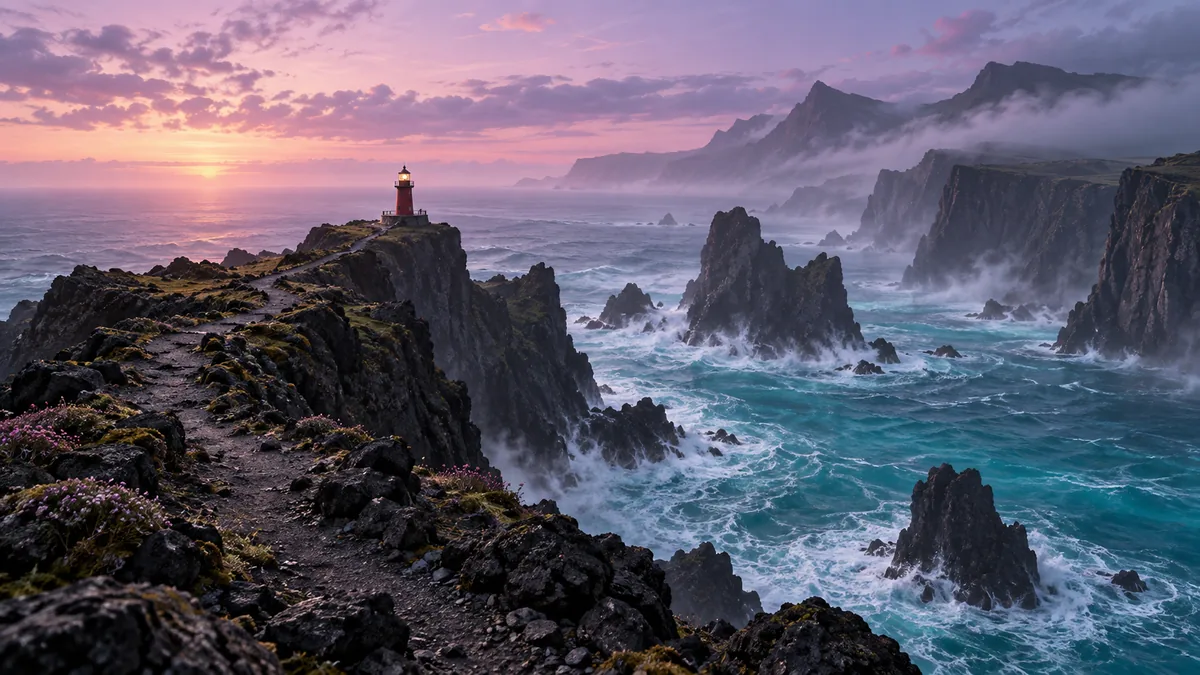
Scene 01 / Cinematic worlds
Somewhere beyond the ordinary
Your prompt travels with you. Sign in to review settings and generate.
A place to begin
Every great video starts with a scene.
Explore a cinematic world, a product story, or a character moment. Choose one to start directing.
From idea to video
You bring the vision. Give it a little direction.
Set the scene
Describe who or what is in the shot, the setting, and the mood. Add the action and sounds that make the moment feel alive.
Direct the movement
Try a camera direction above. In the workspace, add a reference image and choose the duration, resolution, and aspect ratio.
Make your first cut
Review the credit estimate and generate. Preview your completed video, download the MP4, or revisit it in your history.
A few helpful answers
Before the first frame.
How does text-to-video work?
Describe your scene and its movement, then open the video workspace. Review the settings and credit estimate before submitting the prompt. Generation runs in the background while the model creates the video.
Is the preview above an AI-generated video?
It is a camera-movement demo using a still reference image. Change the scene, camera direction, or frame to explore your composition. Your actual video is generated separately in the workspace and will look different.
Can I use an image as a starting point?
Yes. You can upload a reference image in the video workspace, then use your prompt to describe the action, camera movement, and sound.
Can I make vertical videos?
Yes. Start with the 9:16 frame above for a vertical composition, or choose another supported aspect ratio in the workspace. Available durations and resolutions are shown there for your account.
Does clicking Create video use credits?
No. It saves your prompt and frame choice in this browser and takes you through sign-in to the workspace. Credits are used only when you submit a generation there.
Make room for your imagination
There’s a story in your next sentence.
Set it in motionLooking for a still image? Explore AI Image