The image notebook / September 2026
GPT Image 2.5See the idea.
Shape the details.
Explore OpenAI’s latest image release, study the examples, and turn your next creative brief into a prompt.
Up to 50%
Lower generation latency
OpenAI reports faster generation compared with Images 2.0.
Flare
For everyday creation
The API option focused on improved image quality and speed.
Sunburst
For detailed creative work
The API option for greater editing precision, with longer generation times.
Look closer
GPT Image 2.5 examples
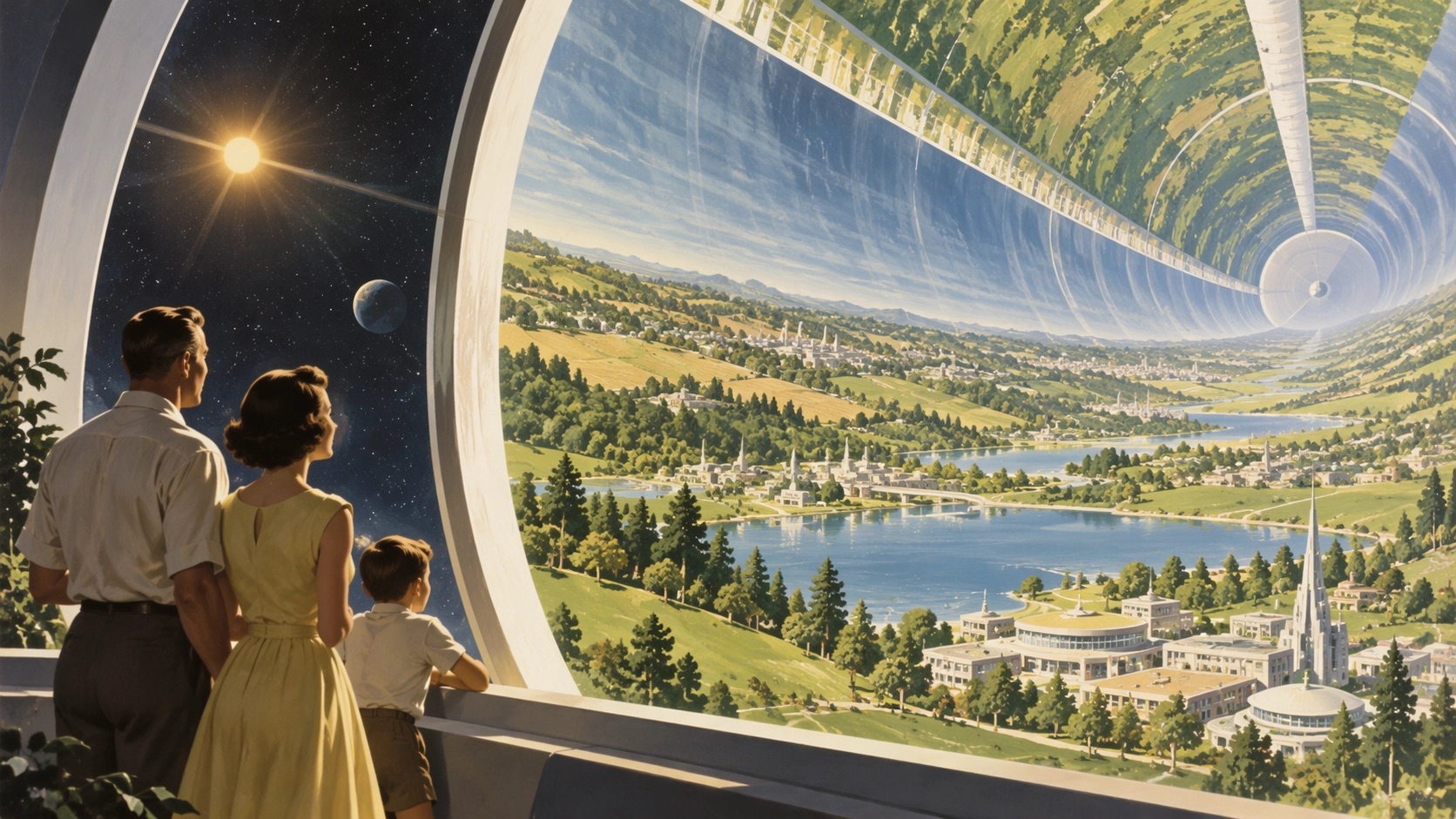
Worlds worth exploring
Illustration and complex composition. Official OpenAI sample.
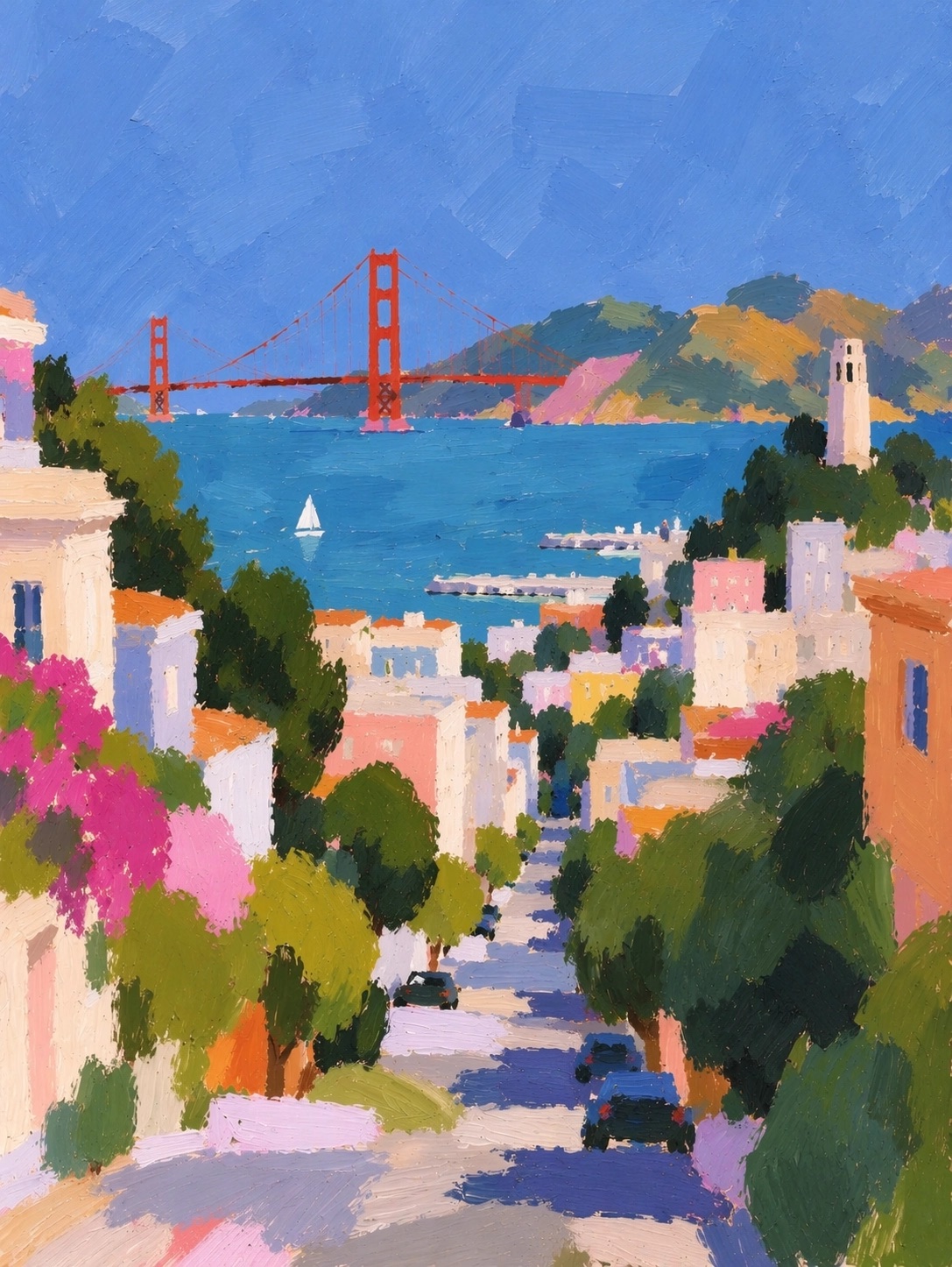
A different point of view
Painterly texture and artistic direction. Official OpenAI sample.
Precision editing, shown as a sequence of images. Official OpenAI demonstration.
What changed
Edit the detail.
Keep the character.
OpenAI describes better reference-photo fidelity, more focused edits and stronger consistency across successive revisions. The release also improves complex layouts and visual styles.
ChatGPT adds Sketch, templates and image comments. These provide ways to communicate placement and targeted changes alongside a written prompt.
Read the September 8 announcement ↗Before your first prompt
What is GPT Image 2.5?
GPT Image 2.5 is OpenAI’s image generation and editing model family, introduced on September 8, 2026. The API includes Flare and Sunburst.
Where can I try GPT Image 2.5 online?
OpenAI provides Images 2.5 in ChatGPT, ChatGPT Work and Codex. To start an image project in VizGPT, write a prompt above, choose a workspace model and continue to sign in.
How should I write an image prompt?
Name the subject, composition, lighting and intended format. Put exact text in quotation marks. For an edit, describe both the change and the details you want to preserve.
Can I keep working after I sign in?
Yes. The form saves your prompt on this browser and opens it in the VizGPT image workspace after sign-in. You can revise it before generating.
More ways to create: AI infographics · Text to Lottie