

Scroll arrow
A rounded downward arrow bobs above a fading second chevron.
2 s previewDownload
AI Lottie animation generator
Describe an animated arrow for scrolling, sending or navigation. VizGPT generates it in your style and lets you refine the direction, colors and timing. Preview five original examples below.
See VizGPT turn a prompt into a Lottie animation, check the result, and open it in the editor.
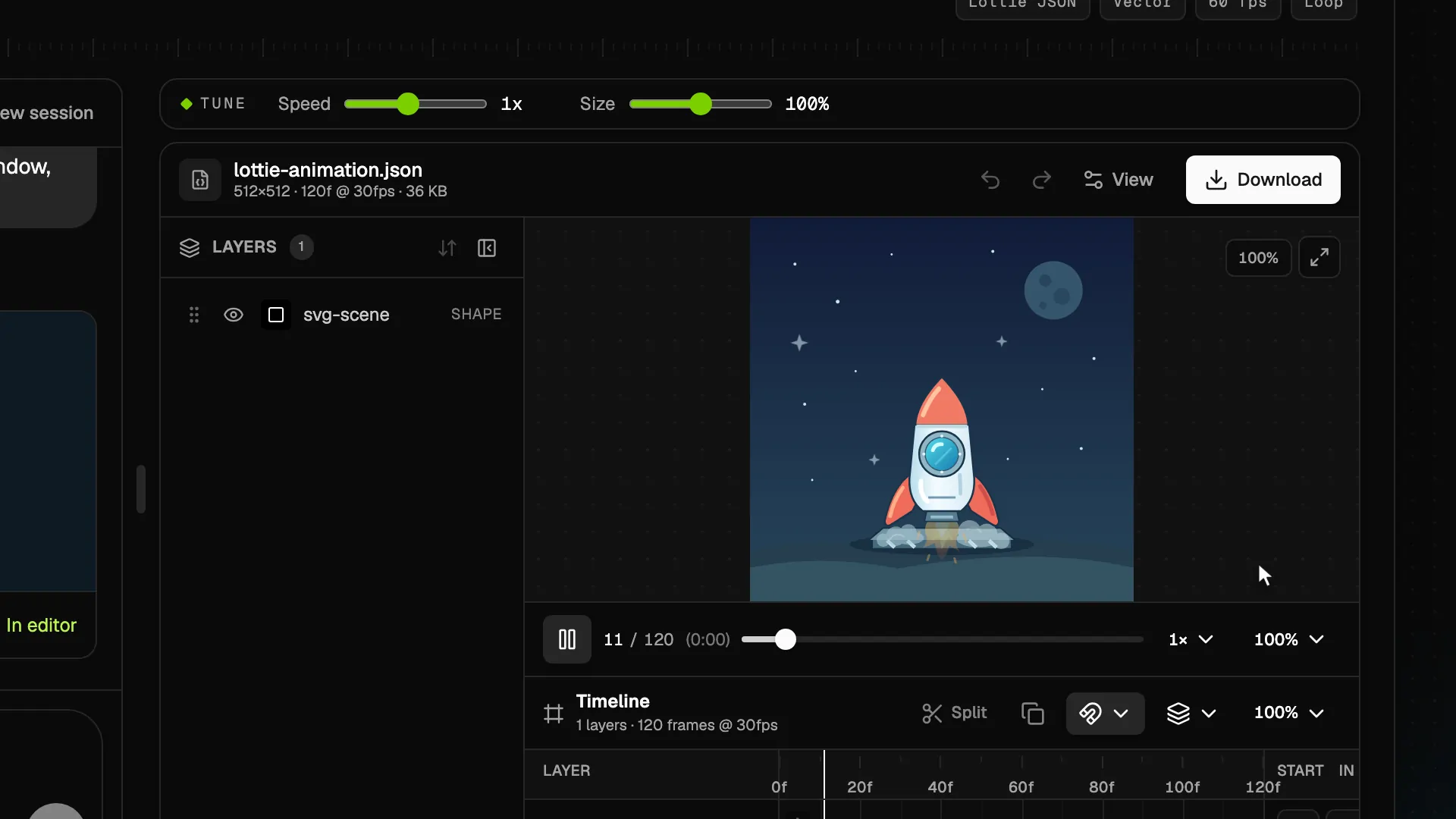
Preview the motion, then describe your own version to VizGPT. Choose the colors, timing and style in the AI generator.
Download opens sign-in
A rounded downward arrow bobs above a fading second chevron.

A folded paper plane glides upward with two short motion trails.

A solid arrow drops toward a rounded tray as the tray gives a subtle pulse.

Three rounded chevrons brighten in sequence to cue a rightward swipe.
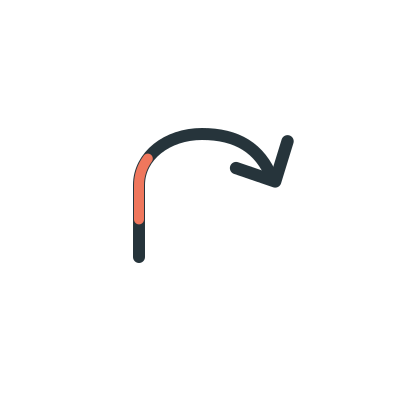
A sweeping upward curve carries a bright segment toward its arrowhead.
Use a down arrow near content that continues below, a send arrow beside a submit action, or a download arrow next to a file. Keep the label visible so the meaning is clear before the animation starts.
Choose an arrow that agrees with the layout and the action. A curved arrow can point toward a nearby control, while swipe arrows suggest horizontal movement.
Use a subtle loop for an initial hint, then stop it once the visitor acts. For repeated controls, a still arrow or a short interaction-triggered animation may be enough.
This collection includes a scroll hint, a send arrow, a download arrow, swipe arrows, and a curved arrow. Each is an original vector Lottie with a transparent background.
No. These are animation files. Your application connects the surrounding button to the actual download, navigation, or submission action.
Describe the direction, stroke weight and colors you need in the AI prompt. Sign in to create a new arrow, then refine it in the generator.
No. All five examples play on this page. Download opens sign-in; this page does not provide the example JSON files.