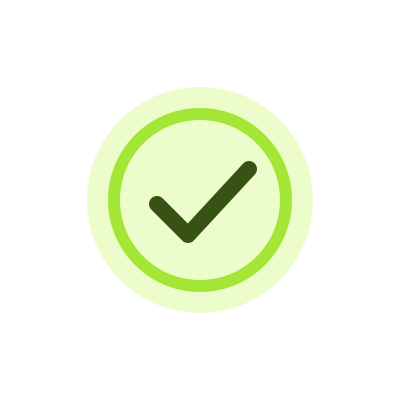
Drawn checkmark
A lime ring draws around a bold olive check, then holds long enough to confirm a completed action.
3 s previewDownload
AI Lottie animation generator
Generate a checkmark, achievement badge or success state that fits your app. Describe the motion to VizGPT and refine the result in chat. Explore five original examples for ideas.
See VizGPT turn a prompt into a Lottie animation, check the result, and open it in the editor.
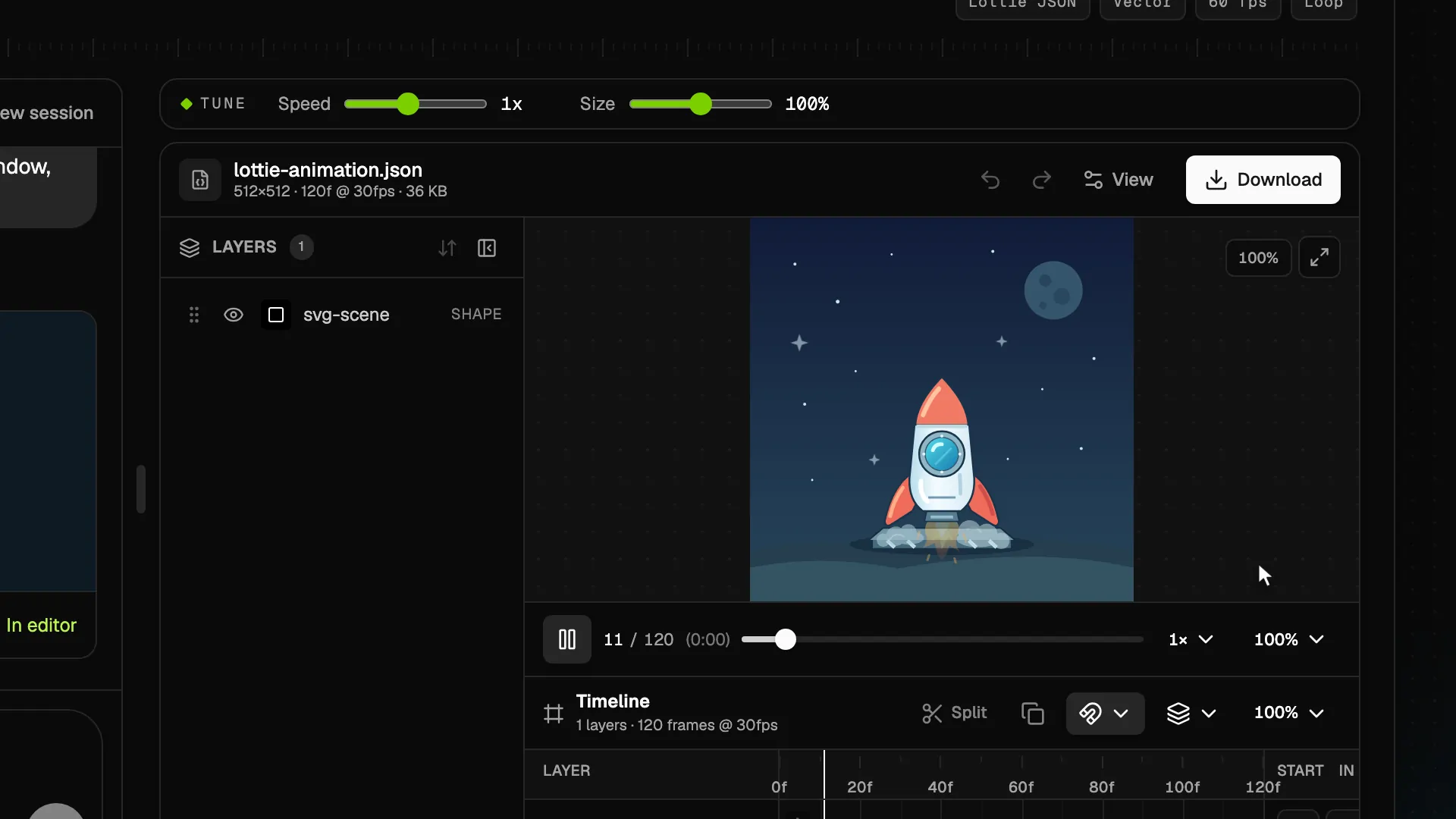
Preview the motion, then describe your own version to VizGPT. Choose the colors, timing and style in the AI generator.
Download opens sign-in
A lime ring draws around a bold olive check, then holds long enough to confirm a completed action.

A scalloped gold seal lands with a small bounce as two ribbon tails open beneath the checkmark.
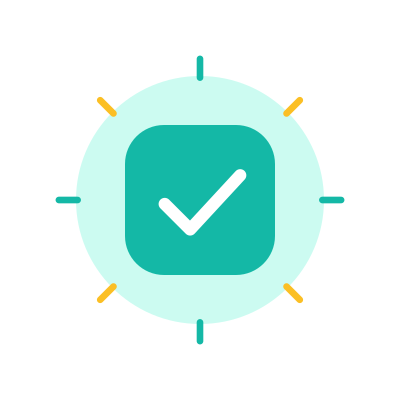
A teal check tile springs into place and sends eight short rays outward for an upbeat confirmation.
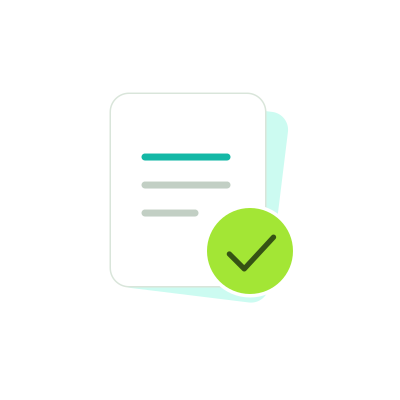
A document slides into view, its lines draw on, and a lime confirmation badge pops onto the corner.
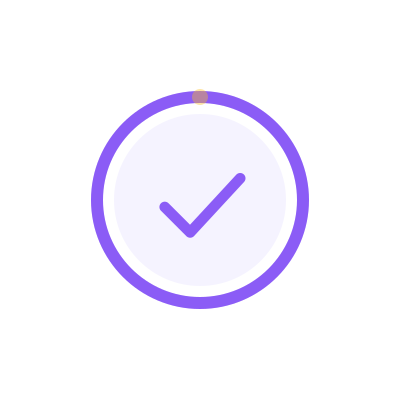
A violet progress ring fills before a central check resolves, with a small orbiting dot marking the final stretch.
Use a checkmark after a form is submitted, a file is saved, or a setup step finishes. Trigger it from the confirmed result and include a short explanation of what happened.
A drawn check fits a small inline message. A badge or a spark works for a larger confirmation panel. The progress-to-check design shows a distinct transition into the success state.
The gallery replays each file for comparison. In a real confirmation, play once and keep the checkmark visible long enough to read the next action. Do not depend on color or motion alone to communicate success.
Yes. This page groups five confirmation designs, including drawn checks, badges, a spark, a submitted state, and a progress-to-check transition. They all communicate a completed action.
Yes. Use your generated animation as a visual indicator after your application has confirmed the payment. Keep the confirmation text and receipt information visible alongside it.
You enter vizGPT sign-in. The examples are here to preview; their JSON files are not offered for download. Use the AI generator to create your own success animation after signing in.
Use the prompt above to describe the icon, colors, timing, and final state. After sign-in, the prompt opens in the AI Lottie generator for you to review and send.