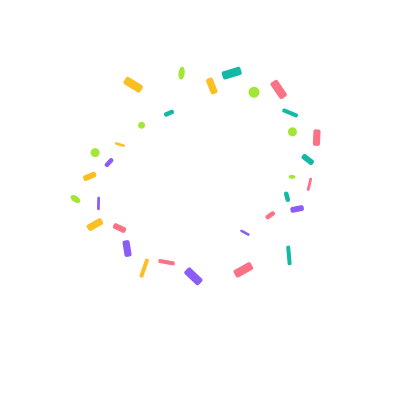
Center confetti burst
Colorful chips burst from the center, rotate through a wide arc and drift down before fading.
3 s previewDownload
AI Lottie animation generator
Tell VizGPT how you want to celebrate: paper shapes, brand colors, a quick burst or a falling shower. Generate and refine your own animation, with five original examples below for ideas.
See VizGPT turn a prompt into a Lottie animation, check the result, and open it in the editor.
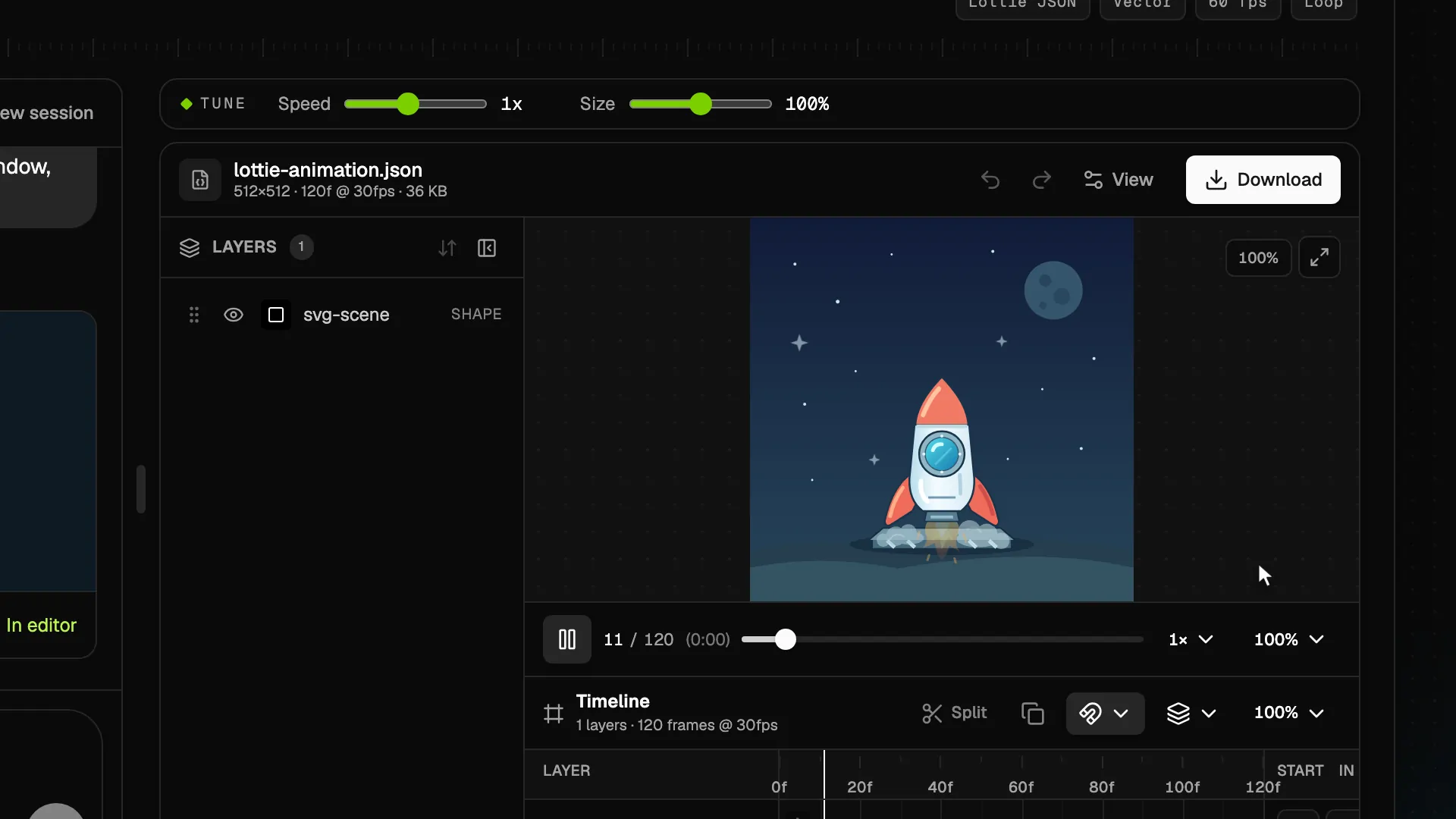
Preview the motion, then describe your own version to VizGPT. Choose the colors, timing and style in the AI generator.
Download opens sign-in
Colorful chips burst from the center, rotate through a wide arc and drift down before fading.
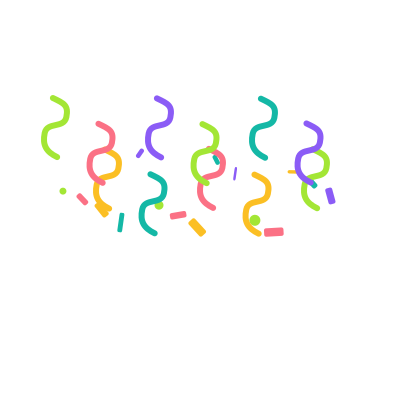
Long curled ribbons and small paper pieces sway down in staggered paths, with open space between each strand.
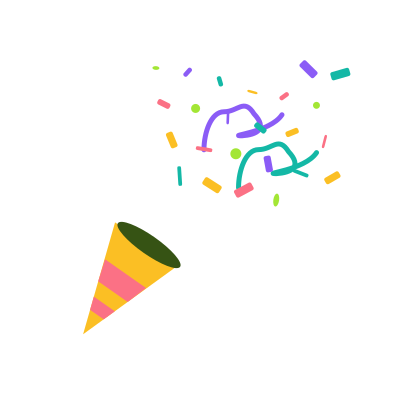
A striped paper cone gives a short kick as confetti and curled streamers fan toward the upper right.
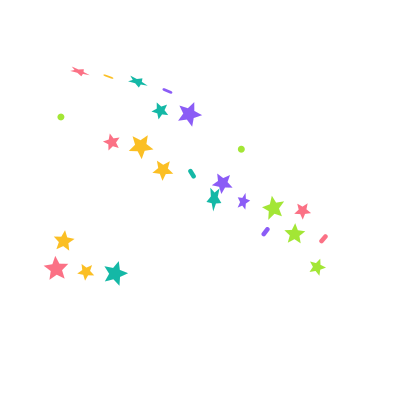
Gold and violet stars tumble across the canvas with small teal and coral sparks between them.
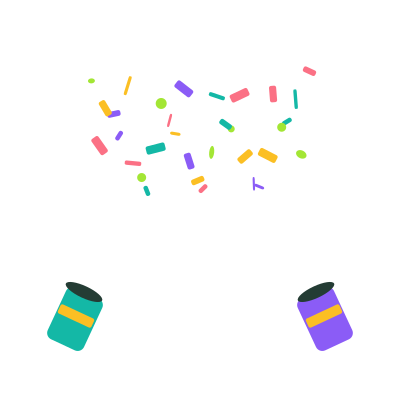
Two small cannons fire crossing fans of confetti, leaving a clear center for a success message.
Try a brief burst after onboarding, a completed goal, or a successful launch. Trigger it only after the action succeeds so the motion reinforces the result.
Ask for a corner cannon or a compact popper when a confirmation needs to stay visible. A wider shower works well around a short headline. Include a transparent background in your generation prompt.
Previews repeat so you can compare the motion. In your product, play a celebration once and let the final frame hold. Respect reduced-motion preferences and keep the confirmation available without animation.
Five original Lottie animations show a central burst, falling ribbons, a party popper, a star shower, and confetti cannons. They are presented as rendered motion previews.
Ask for a transparent background. For your generated result, place the player above your content and keep the overlay from intercepting clicks. Test the animation in your intended layout.
Repeating previews make it easier to compare the files. Set your player to play once when you use confetti for a completed action.
Use the prompt above to describe your palette, particle shapes and timing. Sign in, review the prompt in the AI generator, and generate a new animation. The example Download buttons open sign-in and do not provide JSON files.